Some business owners, both big and small, often think they have arrived after months of rigorous effort to save and decide to move from street selling to using WordPress. A professional, with great features that help business owners, bloggers, freelancers, and many others progress in their career paths successfully.
However, it occurs these people often face black monday, instead of recieving orders from thier previous drops sales on website, they realized, theier website is hacked, displaying a black screen with a laughing skull and a chilling message in bright red text: “HACKED by Cyber-Viper. Pay 0.5 BTC to regain access.” all date customers data base, pending orders are all gone and inaccesible, and unfortunately again, The payment gateway integration too, was no where to be trace.
It is one of the realities of small Nigerian business retailers: each time, facing downtime over the trust they built over two years due to the initiative of automated bots and “Yahoo-Yahoo” boys pivoting to cyber-extortion. If you don’t take care, you are not safe, and you don’t have to know everything before you secure your website.
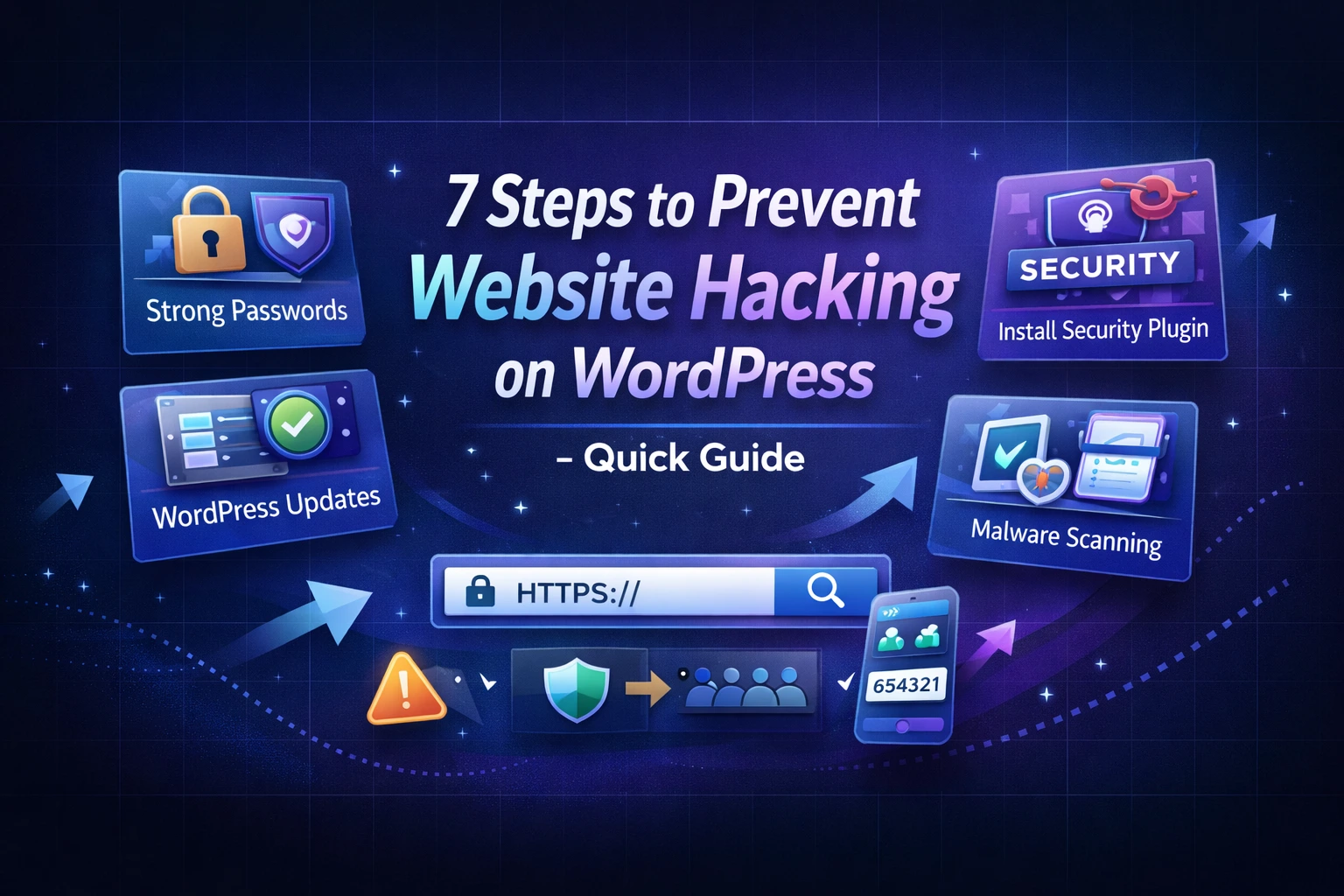
As a Nigerian retailer using WordPress for a legitimate business, here are simple guides to securing a WordPress Website in Nigeria.
1. Use Good Hosting: It’s obvious that most Nigerian business owners like freebies, such as buying cheap hosting, because most of this hosting is like renting a house without doors an unsafe place. You need strong hosting with preventive measures to protect your website from hackers. As a Nigerian, the suitable hosting provider you can use should be either WhoGohost, QServers, or Truehost. They are commendable, and you can pay in naira.
A relevant, accurate support team to answer you. If you are choosing a hosting, consider it includes the following features:
- A strong, effective SSL security
- guarantee that 99% your website will always be available
- Speed acceleration that loads in a second
- Backup is enabled at any time of data loss or leaked
- The hosting payment is transparent, and the features included are worth the price.
2. Install a Security Plugin: You might have realized that your website security isn’t strong enough without installing security plugins, because, though not mandatory, they’re very important.
These plugins safeguard your website, providing automatic protection against all forms of risk and operational overhead; file integrity monitoring and alerts; tracking logins, privilege changes, and administrative actions for incident investigation, file repair, and backup integration. The best WordPress plugins that offer this protection are Sucuri, Wordfence Security, All-In-One Security, Shield Security, and SecuPress Free; all these plugins offer
- farewell, security that suspect hackers attempt
- Login security that has two authentication verifications with a captcha
- A strong security backup task
- A features management that enables friendly
- Malware scanning and removal
3. Hide Your Login Page: Exposing your login page gives hackers access to perform many try and error or experiment their new tactics.
It means that leaving your WordPress website URL as the default “www.mydomain/wp-admin” extenssion allows hackers to guess your password. Every hacker, bot, and “Yahoo boy” often knows the exact URLs of most WordPress sites. All they do is set up a bot that goes to the login page and tries to force the access by running possible random password 1,000 times a minute or more.
What to do: set an invisible security by doing the following.
- Change your URL to a non-easy-guess URL. By doing this, you aren’t just locking the door; you are moving the door to a hidden location that only you know about.
- Install” WPS Hide Login”
- Go to your dashboard > plugins > Add new search for WPS Hide Logins. Install it and activate.
- After installing, change the address in Settings > General. Scroll down to the bottom, and you will see a new section.
- Create Your Secret URL extension: Change the login URL from ‘login’ to something unique to you, such as ‘my-shop-website-bussiness-entrance’.
- Ensure you have bookmarked the URL or written it down before you click Save Changes, because forgetting the link will automatically prevent you from accessing it and kick you out.
- Install a plugin that prevent hacker trying all form guess password more than 3 times, else his ip address will be blockded and kicked out. Plugin like ( Limit Login Attempts Reloaded, WPS Limit Login, and Loggedin (for WordPress) )
4. Update your Plugins and Themes: One of the major causes of a flagged-down website is using outdated plugins that give hackers access to what you have worked hard to build. Ensure all your plugins and themes are regularly updated and refreshed to help secure your website.
If you frequently log in to your website, you will notice which plugins need updating.
5. Update Your WordPress: If you fail to update WordPress, you might be inviting hackers to gain access. Because just with plugins and themes is enough to shield your website. Just like with plugins and themes, WordPress updates can be done manually or automatically.
6. Avoid downloading plugins —whether “unknown” or well-known—from random or unofficial websites in search of cracked versions. This is one of the fastest and most dangerous ways to introduce bugs, malware, backdoors, and malicious code into your website—often without any visible signs until real damage is done.
“A single cracked plugin can silently compromise your entire website, expose user data, and destroy trust built over years—security shortcuts always cost more in the end.”
Hacked WordPress Site? Take These 7 Critical Steps to Regain Control Fast
Understand that, despite your efforts to avoid it, you must have felt frustrated when you learned your website had been hacked. All our activities were forced to stop due to hacking, and you have been trying to regain control of your website. Don’t worry, here are tips to help you regain your WordPress account.
1. Contact Your Hosting Provider Immediately: If you are using a good hosting service, the customer service team will provide some helpful instructions. Often, people have complained about similar cases, and knowing your hosting environment would enable them to guide you better. Therefore, immediately you notice, reach out to them. Another essence of reaching out to them is that you might not be aware how the hacking has affected your website, due to that you are using shared hosting, and it’s only your hosting provider can tell you where the problem emanated from and how to secure and regain your WordPress website, and luckily, your hosting provider can erase the hack.
2. Use Backup to Restore: Having a backup of your WordPress is one of the smart decisions that will save you on rainy days when your website is hack. All you have to do is log in to your hosting account, use the backup tool available, whether cPanel Backup, Softaculous, or Jetbackup, choose a backup from before the hack happened, click on restore, and everything will automatically restore. Hence, ensure you change all your WordPress admin passwords, Hosting/cPanel login password, FTP/SFTP password, and Database password, update any outdated plugins, and install new security plugins.
3. Malware Scanning and Removal: Check again for plunges and themes that aren’t useful to you, and remove them. Failing to account for them allows hackers to bypass standard authentication and access your website without your knowledge. After deleting unnecessary plugins and themes, check where the hack is coming from using a security plugin installed like the Worldfence and others.
4. Delete unknown User Permission: WordPress only allows team-eligible/trusted members to have site-administrator access, and there may be an intruder trying to force their way in. Check and, when you notice any anonymous user with admin role like “wordpressbackup” as a username or one random suspecious, just block and delete them.
5. Put Your Website into Maintenance Mode: Immediately, if your website is hacked, isolate your website. It helps minimize further damage, and visitors can’t access your website until it’s recovered.
6. fixed number of Login attempts: As a WordPress website business owner, you should set a rule that allows people to log in a specific number of times before the system automatically blocks them to prevent them from trying again. Doing this would deter hackers from making many attempts to gain access.
Conclusion
Reading through this blog would have given you the basic reason why you shouldn’t compromise on preventing your website from hackers, because the frustration and bitterness that come with knowing your hard-earned effort has been stolen isn’t something to be joyful about. Therefore, as a Nigerian business owner using WordPress, ensure you secure your WordPress by following the necessary instructions in this blog.