In the world of teaching, e-learning is usually delivered via Telegram, WhatsApp, or a Google link before being hosted online. Most coaches send voice notes or PDFs, which require students to scroll endlessly to find specific lessons, and payment records are hard to locate. However, it works well at first; over time, it becomes stressful, falls short of professional standards, and eventually becomes disorganized.
Your valuable lessons are being lost; learners are avoiding or skipping classes because there is no effective system to ensure progress and a certificate. But when you have a dedicated, structured E-learning website, such problems are avoidable. With WordPress and the best LMS plugins, as a Nigerian, you can develop a sought-after e-learning platform. Let’s initiate the appropriate steps to create an E-learning website in Nigeria.
Who is the WordPress E-Learning Website Best For?
WordPress e-learning is suitable for any individual or organization interested in teaching online and aiming to gain a strong, professional standing.
- Vocational Trainers: Such as fashion design, bead-making, decoration, digital marketing, writing, mechanics, makeup, and many other practical skills.
- Coaches and Consultant: You may be an individual who is passionate about teaching business strategies, career growth, personal development, or professional skills. WordPress can help you to leverage your talents.
- Religious Institution: WordPress E-learning can be used for highly interactive educational content, theological training to support public moral values, and organized Islamic or Christian online learning programs, empowering communities with strong beliefs and facilitating studies that promote values.
Why Use WordPress for E-Learning in Nigeria
- It’s more affordable than a custom-built platform: Setting up custom e-learning from scratch isn’t cheap. People spend thousands of dollars, and maintenance fees are also required to keep it running. However, with WordPress, you can start at a lower cost and achieve powerful e-learning features with an LMS Plugin.
- It Supports Nigeria Payment Methods: WordPress allows you to use any of Nigeria’s payment method either Paystack or Flutterwave, which give interested students to pay you in naira, instead of being limited to a foreign payment system or dollar pricing, and additionally, you can track payments automatically.
- Eligible to Expand: You can start with a few courses and a few students, and gradually expand as you reach a larger audience by adding more demanding courses, instructors, membership, and certificates, while allowing learners to use mobile phones without rebuilding your website from scratch.
- Sufficient Themes and Plugins: You are eligible to use thousands of themes and plugins for the e-learning website, which gives you the option to choose themes and plugins that align with your brand. Additionally, you can customize your dashboard with quizzes, certificates, student dashboards, and email notifications.
- It’s flexible and effective: WordPress provides control, support, lower costs, and excellent local flexibility.
- Total control over your content: You have full ownership of your website and course content, unlike other platforms that place restrictions on what you can publish, course pricing, and access to students’ data.
Step-by-Step: How to Build the E-Learning Website.
To build an effective e-Learning website with WordPress requires taking some essential steps that mainly focus on selecting and configuring a learning management system (LMS), which are:
● Your niche and target audience: Clearly understand and draft what you want to take interested students into, because you can’t be talking to everyone; therefore, have a specific competitive topic that people will want to learn. Once you have a desired niche, you must deeply understand who your ideal students are, whether they are beginners or intermediate-level.
What are their pain point? (“Most of the courses I have taken are too theoretical and lack practice”) or “content not broken into small, digestible lessons” or “too many fake experts.” This will guide your decisions on the tone of your course videos, marketing strategies, and website design.
● Course Structure: Outlining. Now that you understand your audience and niche, the next step is to create high-quality, logically structured, and essential learning content, which you will need to organize hierarchically.
- Modules: they encompass the main chapters of the courses you teach (e.g.,). Module 1: Understand the Canva interface. Module 2: Canva Design for
- Lessons: these are lessons under modules. E-g. lessons1:1(What Canva is for, and what you can use it for. Lesson 2: Understanding templates, elements, uploads, and text)
- Activities: Each activity includes instructions for learners to apply what has been taught. I.e. Quizzes, assignments, and downloaded worksheets.
● How do you want to earn?
Your business modules clearly explain how you want to earn from your e-learning.
- Are you interested in one time purchase? required a lifetime payment and gained lifetime access to a course
- Monthly Subscription: Students can access it at a discounted monthly rate.
- Discount Rate: where you combine helpful, related courses and sell them at a discount.
- Tiered subscription: Each course has a different price and set of features. i.e., basic/standard/premium options that allow students to choose based on what they can afford.
● Choose a Domain and Hosting: A domain that your website represents, so that when a visitor types it into Google search, it automatically leads them to your website. I.e AjokeTeaches.com, EnglishmasteryHub.com, or ScienceTutoronline.com. While hosting services help stores/safeguard your website’s files (e.g., images, text, videos), enabling students to access your website globally. Therefore, look beyond the cheapest hosting option to ensure your website runs smoothly and choose a plan with high speed, security, and automatic backups.
● Choose your LMS:
What is LMS? It means a learning management system. An online classroom that assists you in teaching, managing, and selling your coaching online professionally. With LMS, you don’t need multiple tools for teaching, collecting payment, sharing notes, tracking students, organizing courses into modules, and communicating with students in one system. LMS can do all these. However, there are types of LMS such as
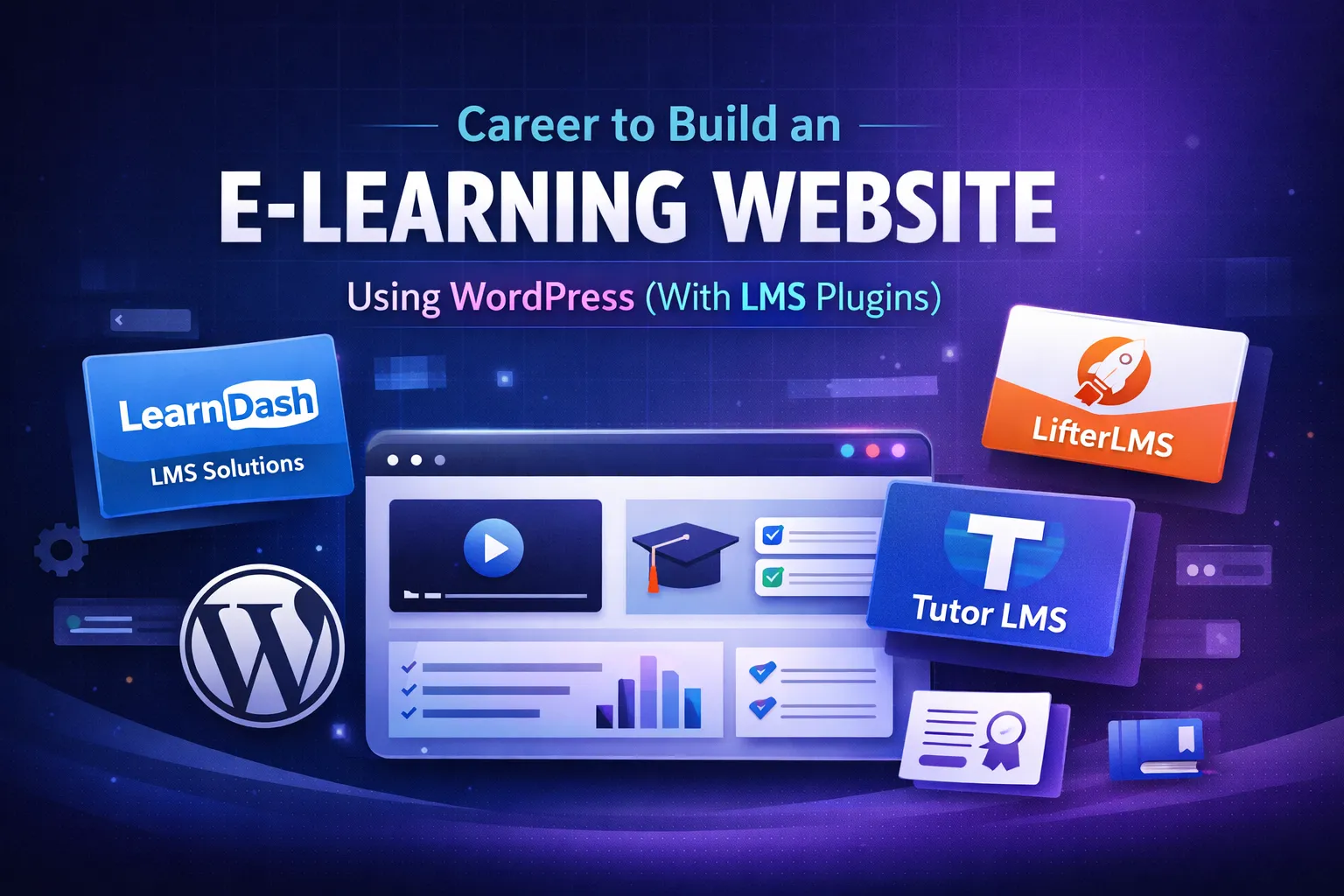
- Learn Dash. A premium plugin for advanced quizzing features, course creation, and group management. It is widely used by institutions and organizations for professional training.
- Tutor LMS. A fast-growing LMS, commendable for its excellent work, including a modern, comprehensive interface with a free version for new tutors and a premium version with features like certificates, content dripping, and a front-end course builder.
- LifterLMS. A good, understandable Plugin with functionality features, all-in-one tools. It’s a free plugin; however, you need to pay to add functionality for advanced quizzes, assignments, best use for solid membership building, and caching programs. We highly recommend reviewing these 3 plugin descriptions, as they are suitable for e-learning; pricing varies.
- Install your preferred LMS Plugin. From your WordPress dashboard, go to Plugins> Add New, search for your preferred LMS plugin, click Install Now, then activate.
● Activate your Ideal Theme: To choose a matching theme that aligns with your E-learning identity, don’t just pick a random one that’s at odds with your values. Therefore, if your e-learning focuses on career growth, choose a suitable theme. If your e-learning is for event decoration, ensure you use the Page & Courses. These are the front door that tells visitors what your page is about and the services you offer, which are:
- Home Page. It should explicitly define your core value, which could be who your teaching is meant for, and give them a clear sense of you.
- Contact Page. A comprehensive checklist: interested students could reach out to you.
- About Page. Provide a brief introduction of who you are, your teaching journey, and the number of students who have registered. Additionally, include some testimonials.
- Student. A dashboard for students to see their progress and completed courses? Perhaps.
- Indstudentohas what each course entails and adds links to unlock access.
- Lesson pairs. Display whether the lesson is video or written.
- Quizzes. Include a brain test for the ch page lesson.
● Payment Gateway: As an e-learning system, you should decide how to accept payment. Essentially, whether through PayStack or Flutterwave is the best.
● Paystack: Interested students can pay using Visa, Mastercard, or Verve cards.
- It works perfectly and supports bank transfer, USSD< mobile Money and Local payment.
- Embedded in transparent pricing and local support, it additionally integrates with WordPress LMS.
● Flutterwave: a fast-growing, well-trusted gateway that works well with E-commerce and online teaching.
- It works with cards, bank transfers, and mobile money
- It allows you to accept money in different currencies.
Whether you choose Flutterwave or Paystack, you will install the Paystack fwith WooCommerce or Flutterwave with WooCommerce plugin, then navigate to connect it to your account in the plugin settings.
What to Ensure Before Launching
Before you tell the world about your website, ensure you verify the following checklist.
- Website performance improvement and efficiency. Is your website fast and reliable? How long does it take before video lessons, worksheets, and images load?
- Mobile Friendly. Use a mobile phone or tablet to access your website. Is it friendly or unresponsive? Perhaps not every interested student has a laptop?
- Userflow Testing. An essential step people often overlook. And it’s the most crucial aspect of. First, log out of your site and navigate to your homepage as a visitor. Find a course, add it to the cart, and try buying it through texting. Check if an email is sent to you and you are enrolled as expected.
- Verify Email Reach Recipeint. Immediately after a student registers or completes any course, the WordPress team sends an email. Often, most of these emails end up in spam or fail to reach the student. To avoid this, use a dedicated service to ensure each sent email is delivered.
How to Drive Organic Traffic using Content Marketing and SEO.
Your business can’t sell without putting in some basic effort, which includes:
- Write a blog on your site that answers people’s curiosity about frequently asked questions, building credibility, authority, and visibilitysibility
- When writing your site blog posts, use the target keyword people search for, both as a primary and a secondary. It gives organic traffic gradually.
- Use your social media to advertise. Post consistently on Instagram and WhatsApp. People will gradually learn what you do.
- Build a community. You can create a private Telegram group exclusively for your students. And in this community, ensure you host weekly or monthly question-and-answer sessions.
Conclusion
As a tutor who is willing to build an e-learning website with real impact, I assure you that WordPress is the best CMS, offering opportunities to create a true learning path to impact and earn, with the freedom to control and expand.